Skip to content
Glowframe

Overlay pack pricing

Two packs, one price each. The price shown here is the price you pay, from this page to your receipt.

The options

Starter Pack

3 AI designs made for your channel name, each with animated Starting soon, Be right back and Ending screens, webcam frame, alerts, chat box and 6 channel panels.

$39

One-time payment

  • 3 different designs made for your channel, to choose from
  • Animated Starting soon, Be right back and Ending screens
  • Webcam frame
  • Follower, sub and donation alert designs
  • Chat box frame
  • 6 channel panels in PNG (About, Schedule, Rules, Support, Discord, Socials)
  • ZIP file plus hosted links to paste as Browser Sources (links active 12 months)
  • Delivered right after payment

Best value

Full Brand Pack

Everything in the Starter Pack, plus a stinger transition, a goal bar, a sponsor lower third and a day version of every design.

$79

One-time payment

  • Everything in the Starter Pack
  • Animated stinger transition
  • Goal bar for follower or sub goals
  • Sponsor lower-third slot
  • Day theme, a light version of every design (night and day)
  • Delivered right after payment

Compare the options

FeatureStarter PackFull Brand Pack
Price$39$79
3 different designs made for your channel, to choose fromIncludedIncluded
Animated Starting soon, Be right back and Ending screensIncludedIncluded
Webcam frameIncludedIncluded
Follower, sub and donation alert designsIncludedIncluded
Chat box frameIncludedIncluded
6 channel panels in PNG (About, Schedule, Rules, Support, Discord, Socials)IncludedIncluded
ZIP file plus hosted links to paste as Browser Sources (links active 12 months)IncludedIncluded
Animated stinger transitionNot includedIncluded
Goal bar for follower or sub goalsNot includedIncluded
Sponsor lower-third slotNot includedIncluded
Day theme, a light version of every design (night and day)Not includedIncluded
DeliveryDelivered right after paymentDelivered right after payment

In the Starter Pack

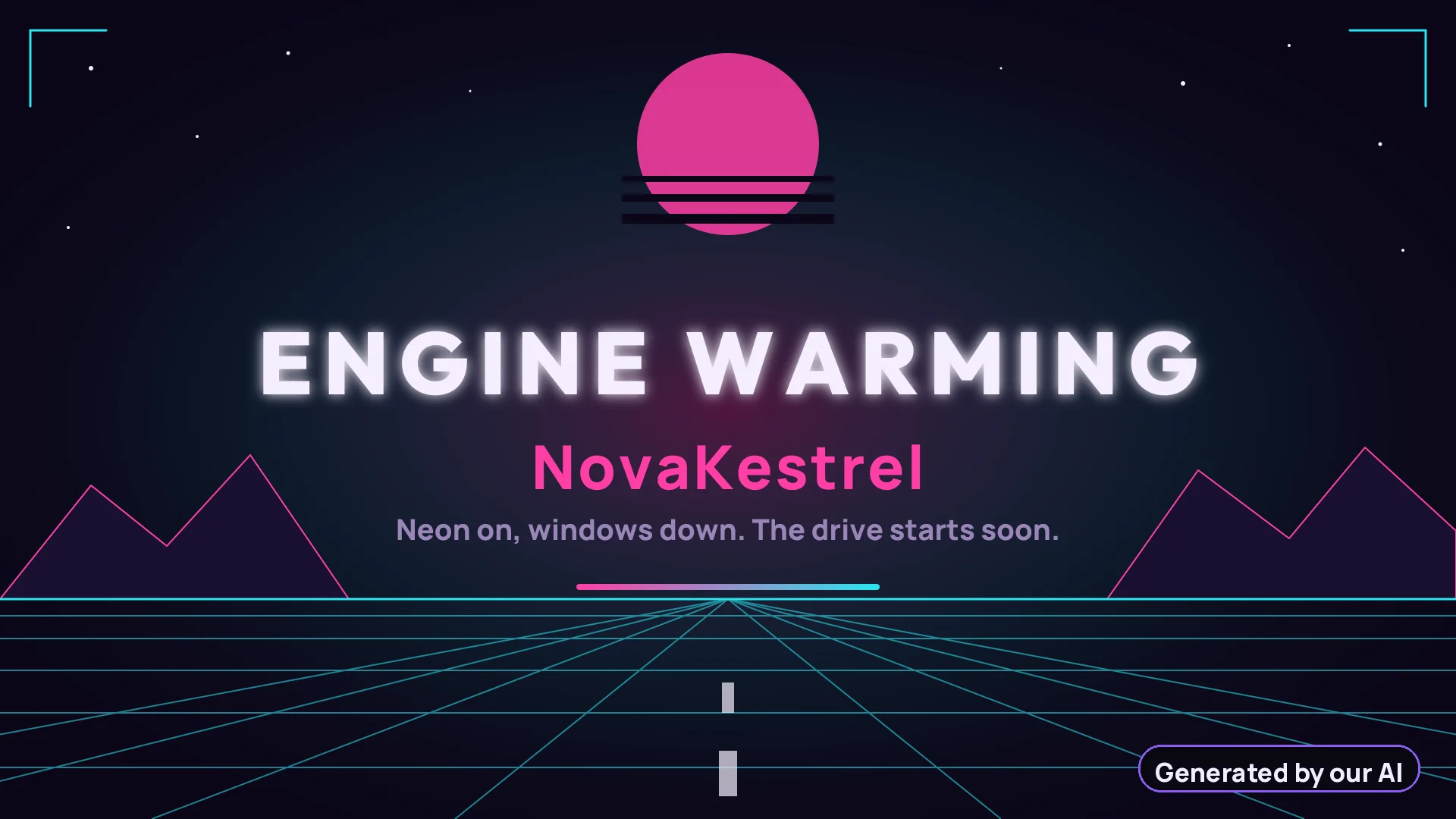
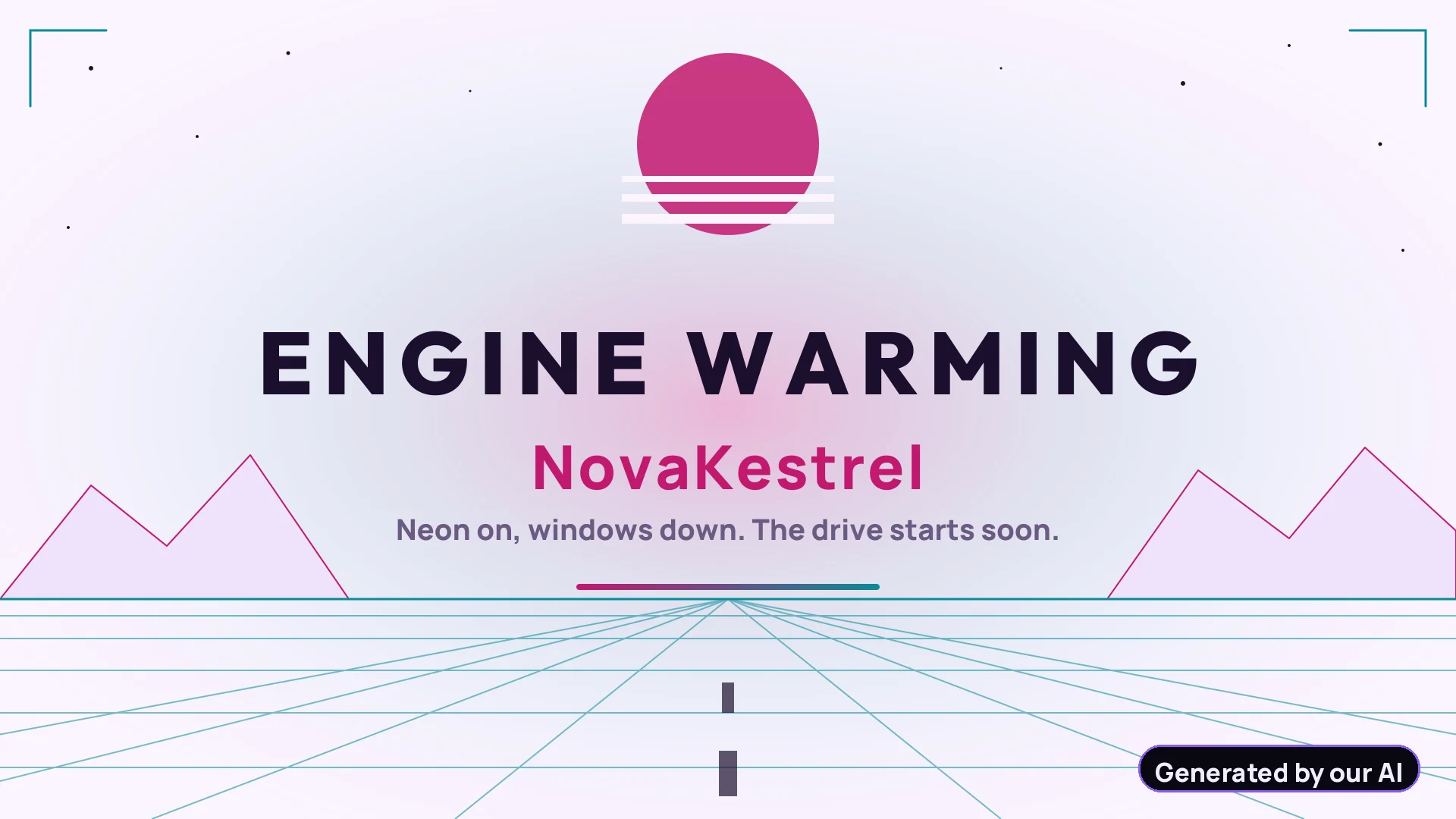
Starting soon from a sample Starter PackStarting soon
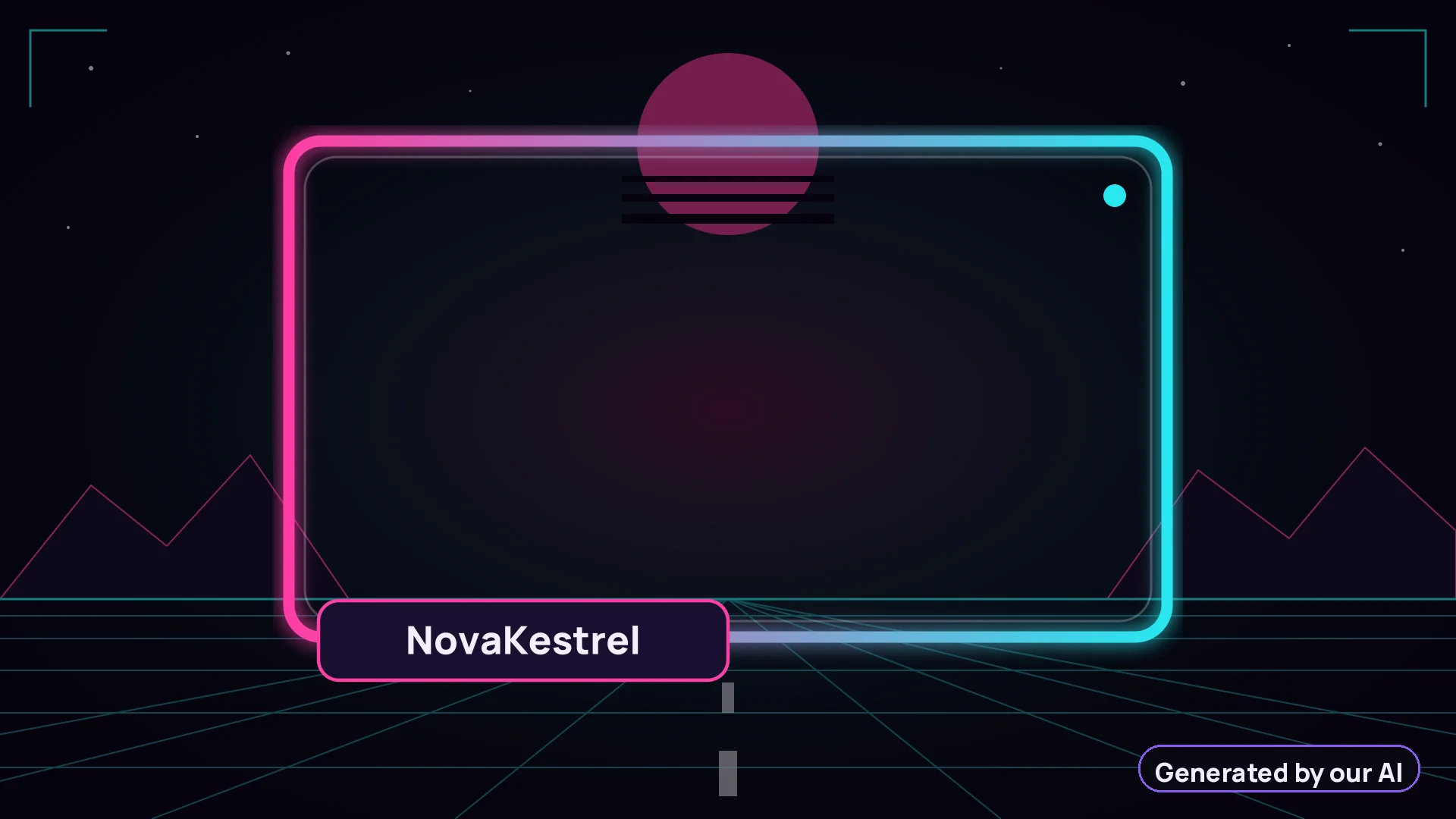
Webcam frame from a sample Starter PackWebcam frame
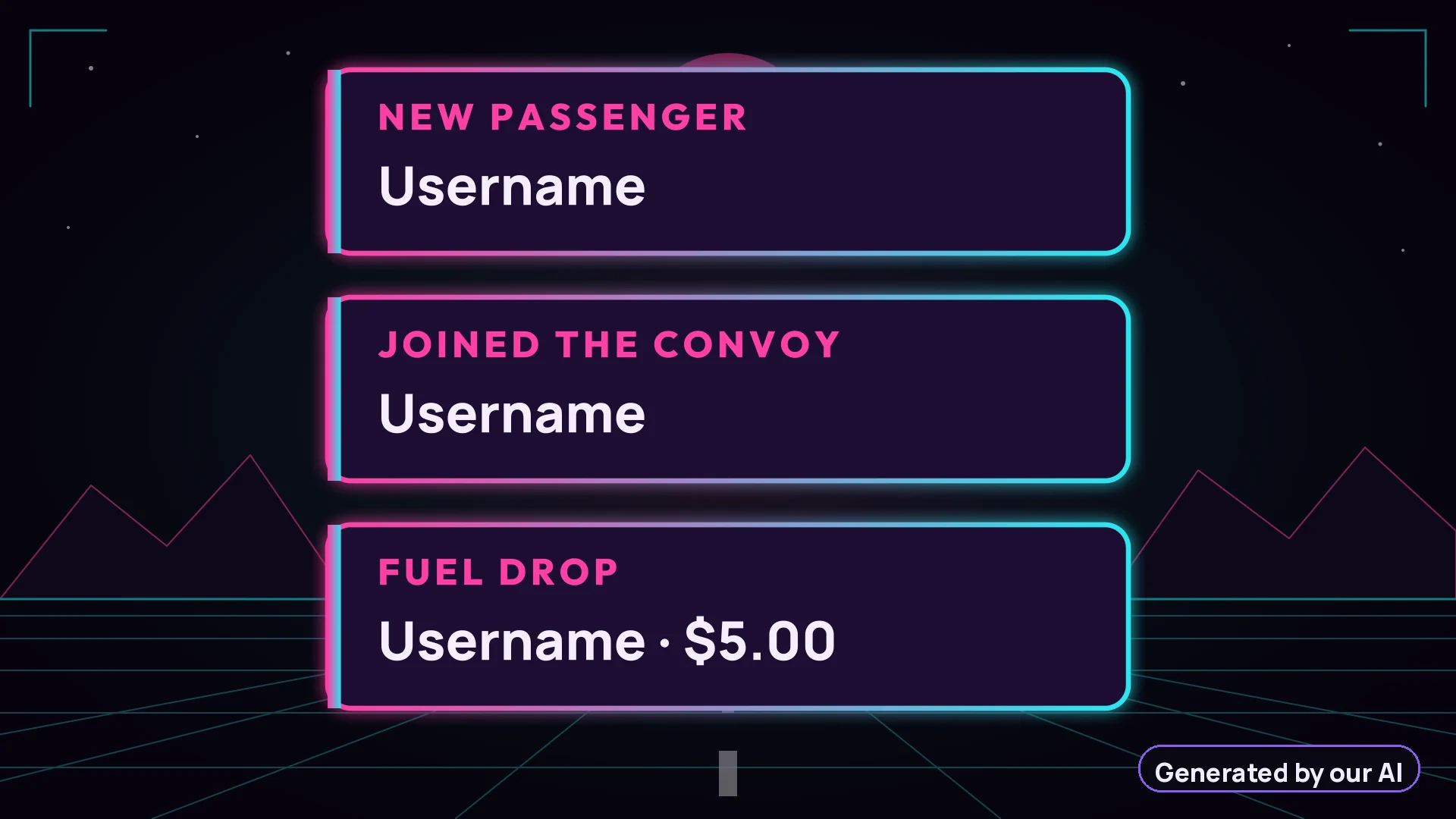
Alerts from a sample Starter PackAlerts
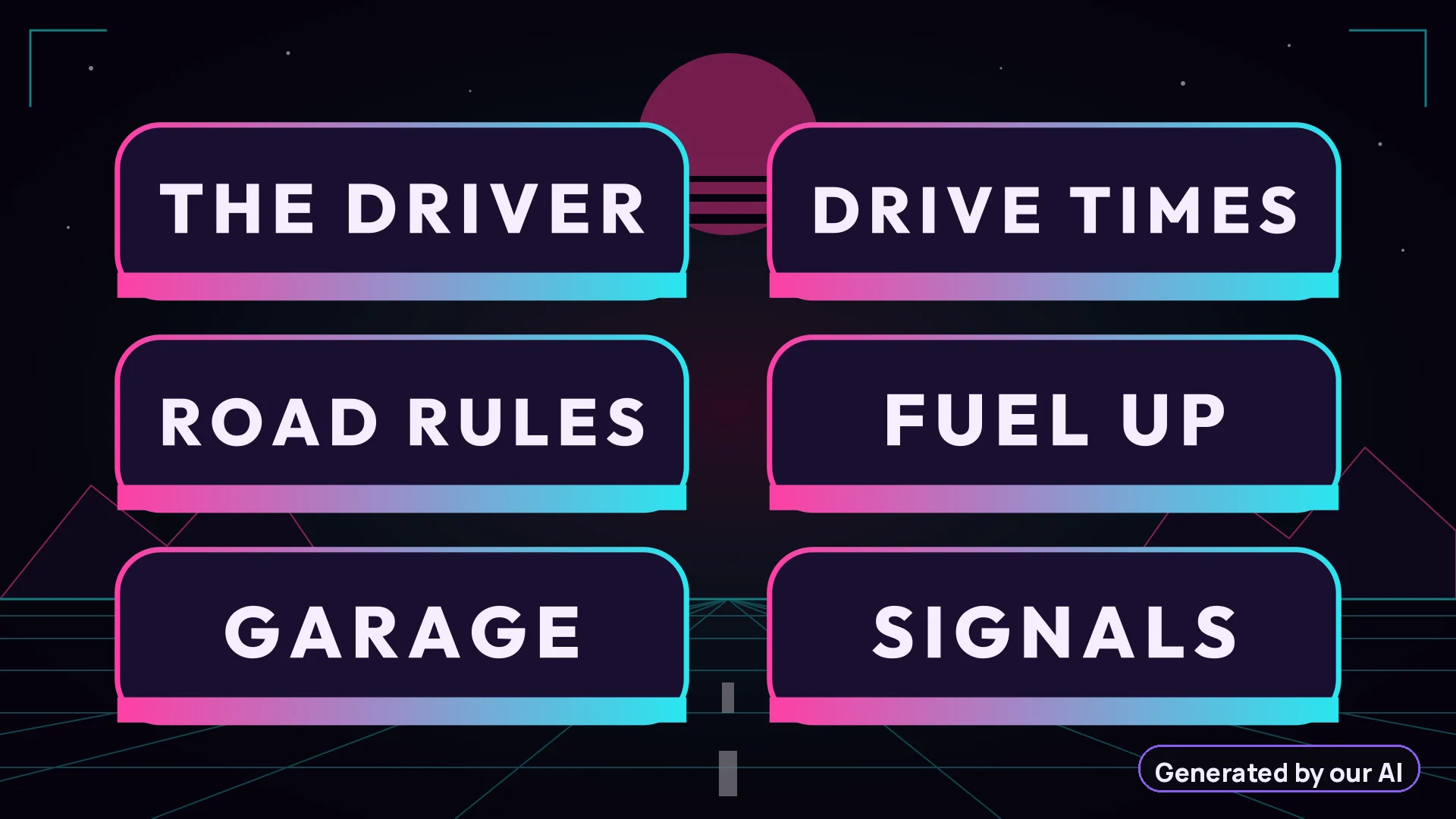
6 panels from a sample Starter Pack6 panels

Times 3 designs, plus Be right back, Ending and a chat box frame in each.

Added by the Full Brand Pack

Day version from a sample Full Brand PackDay version
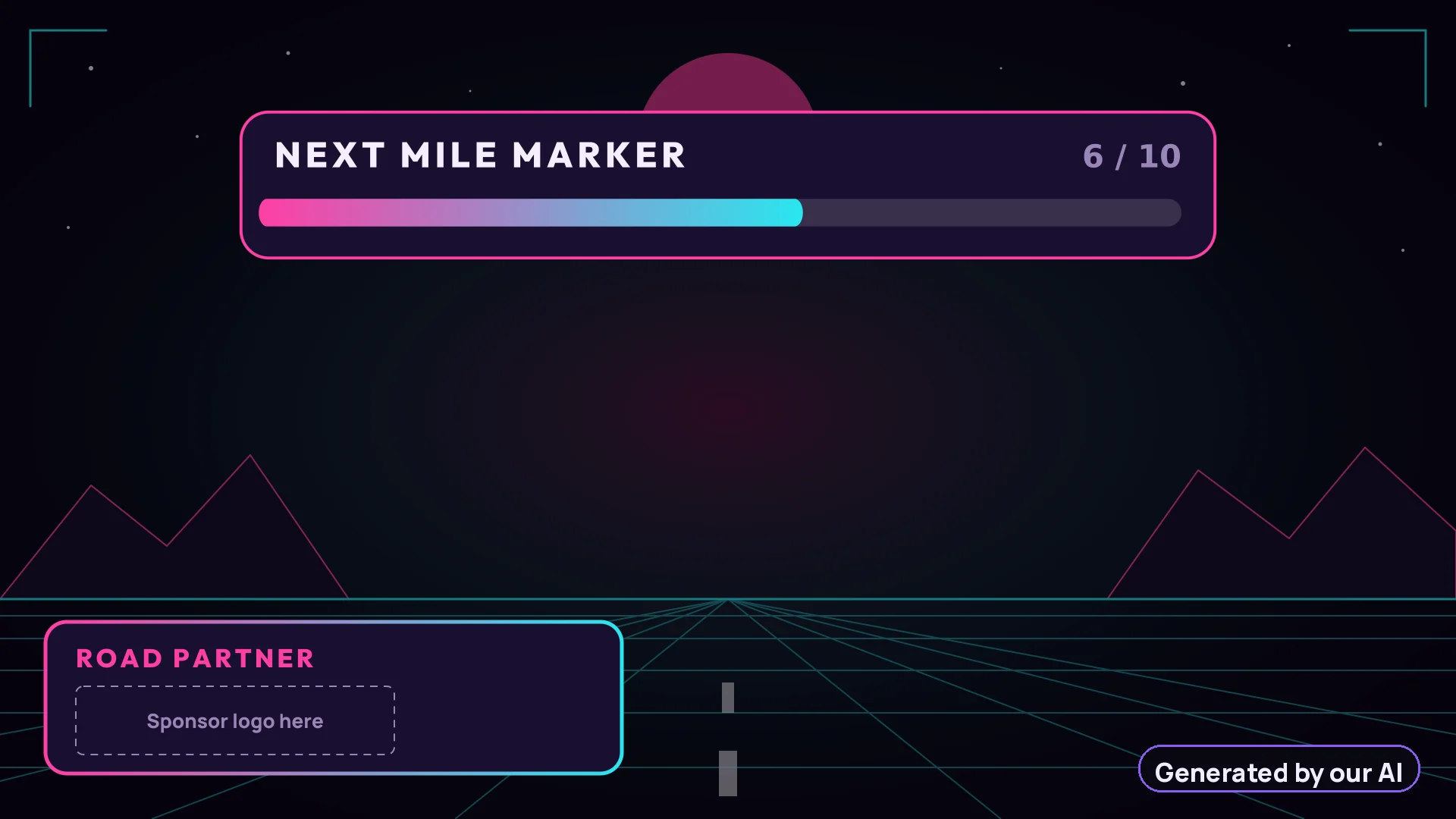
Goal bar and sponsor slot from a sample Full Brand PackGoal bar and sponsor slot
Stinger, title frame from a sample Full Brand PackStinger, title frame

Real renders from the sample pack. The stinger is animated in OBS; this is one frame of it.

Before and after

Full Brand: every design in a night and a day version

Drag the slider. Same design, same channel name, built by our code from the same AI design for daytime streams.

Starting soon screen, design 1, day version, generated by our AI
Starting soon screen, design 1, night version, generated by our AI

Night

Day

From payment to your OBS scenes

  1. Pay on StripeBy card, on Stripe's secure checkout page. Your card details never touch our servers.
  2. Our AI designs your 3 looksRight after payment. It usually takes 2 to 5 minutes; you get an email when it is ready.
  3. Paste the links in OBSDownload the ZIP within 30 days. The hosted links for OBS Studio or Streamlabs Desktop stay active for 12 months.

How the links go into OBS · Template or custom pack?

Questions

Frequently asked questions

Another question? Write to us: francois@rocket-ia.fr

All questions

How do I add the overlays to OBS Studio?

In OBS Studio, add a Browser Source to a scene, paste the hosted link of the scene from your delivery email or order page, and set the size to 1920 × 1080. That is it: the animation runs inside OBS. You can also point the Browser Source to the HTML file from your ZIP with the Local file option. The README in your ZIP walks through each scene.

Does it work with Streamlabs Desktop?

Yes. In Streamlabs Desktop, add a Browser Source and paste the same hosted link, at 1920 × 1080. The channel panels are plain PNG images you upload to your channel page.

Are the webcam frame, alerts and chat box transparent?

Yes. Those scenes have a transparent background, so your camera, game or chat shows through. The Starting soon, Be right back and Ending screens are full-screen.

Your channel name, on overlays nobody else has

Type your channel name, pick a pack, and paste your scenes into OBS Studio or Streamlabs Desktop a few minutes later.

  • Secure payment by Stripe
  • Receipt by email