
A whole stream package for OBS Studio, in one order
Everything a channel shows on screen, in one look built around your name: the screens before, during and after the stream, the frame around your camera, your alerts and the panels on your channel page.
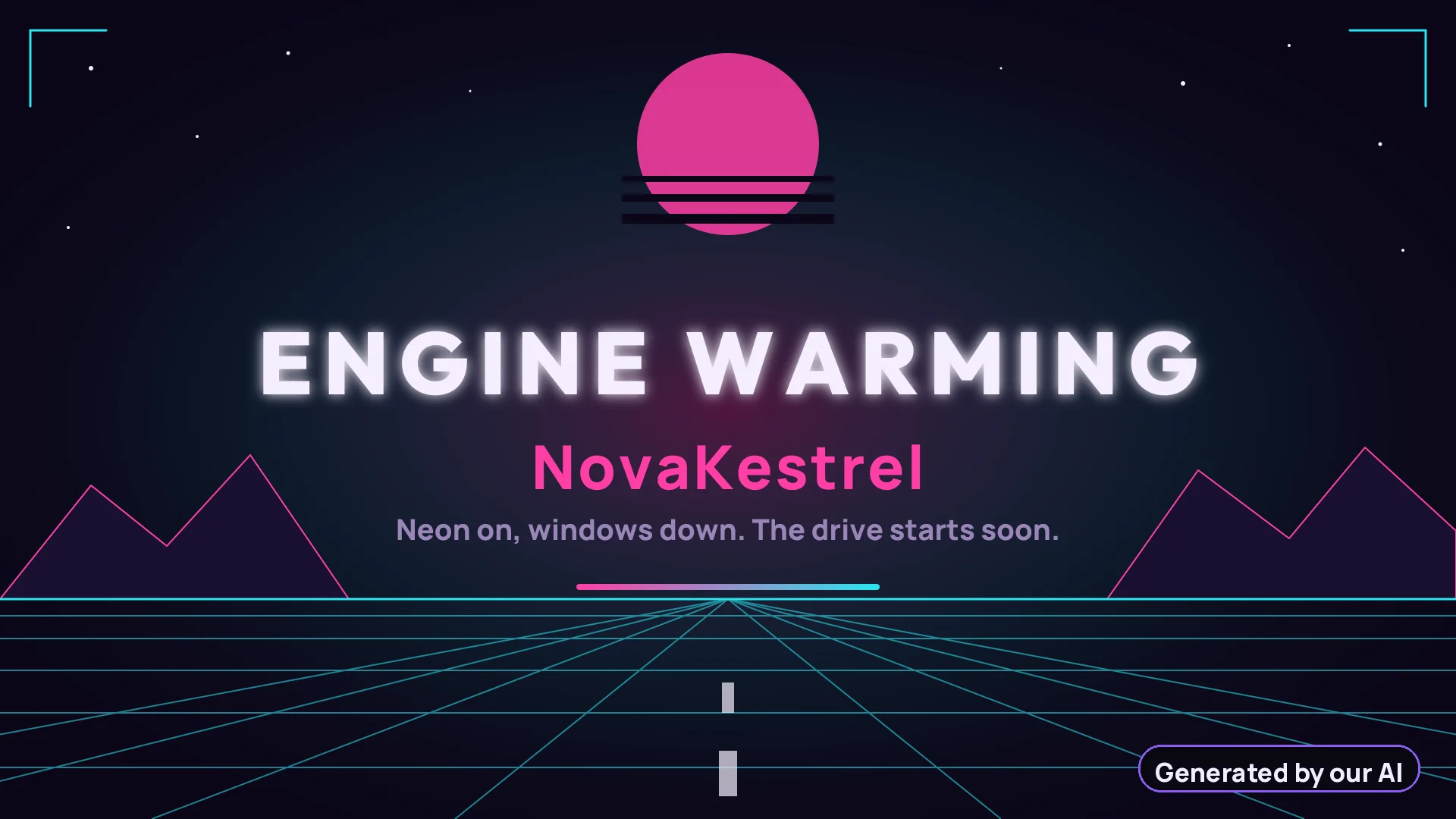 Starting soon
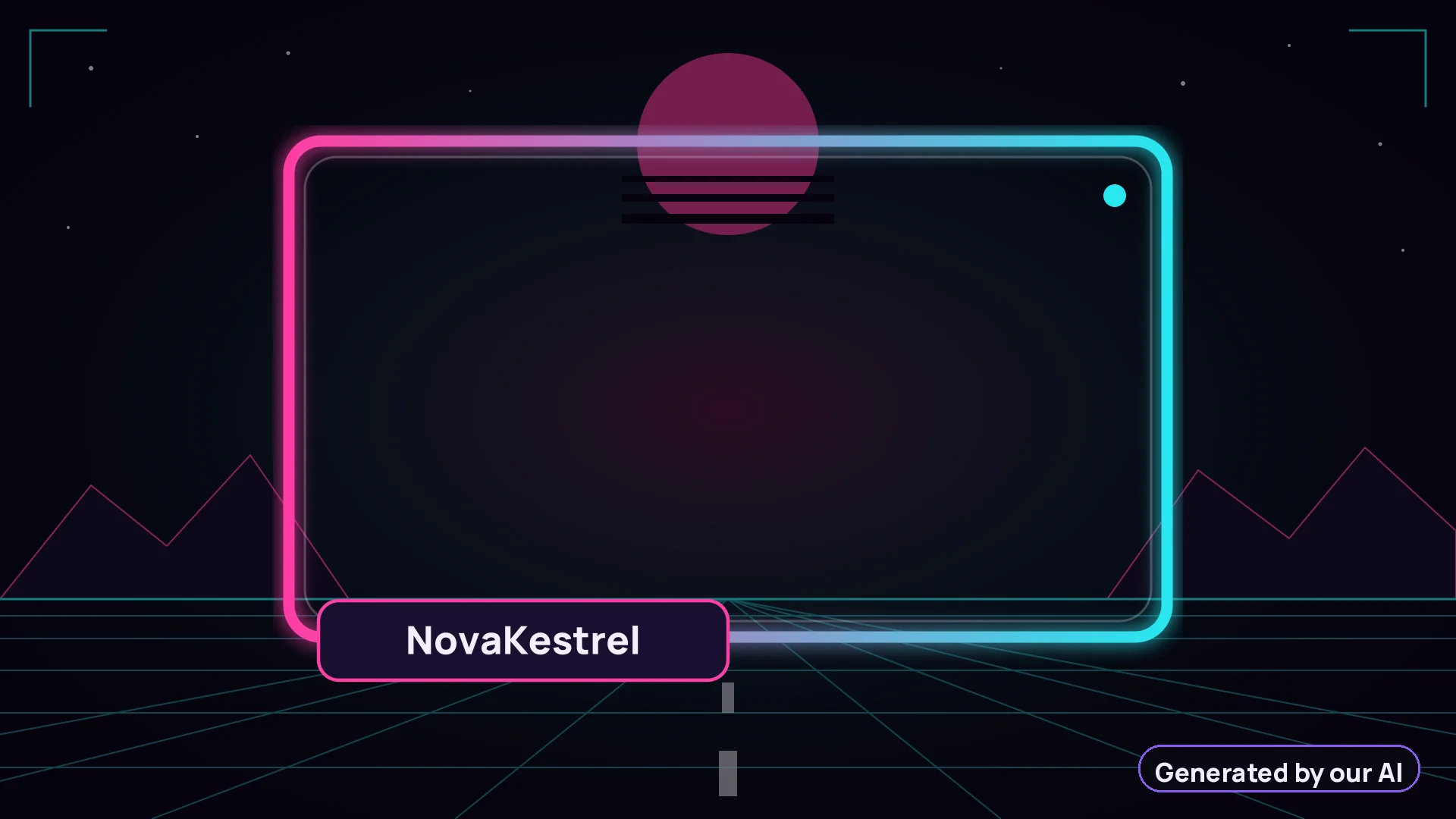 Webcam frame
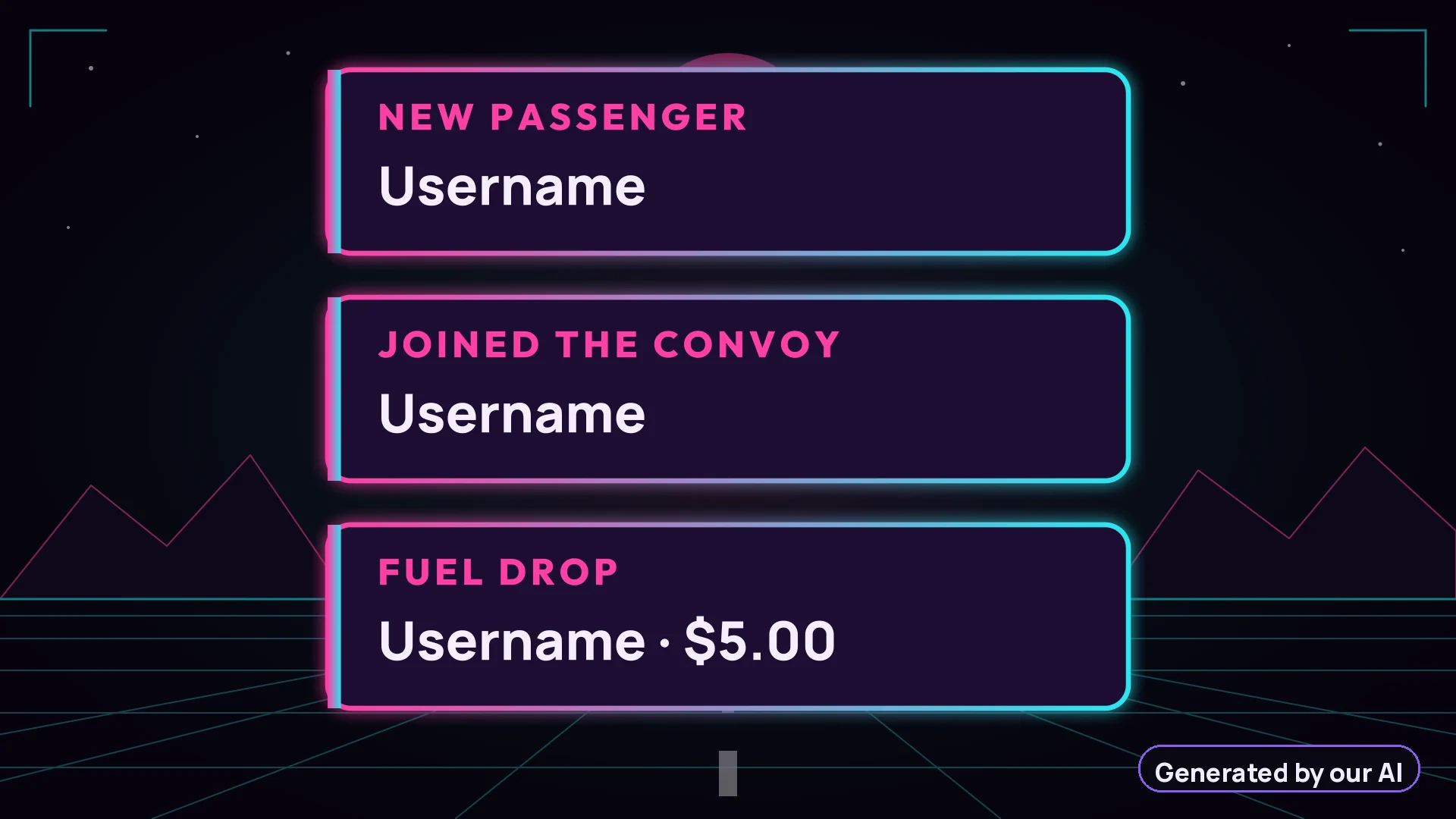 Alerts
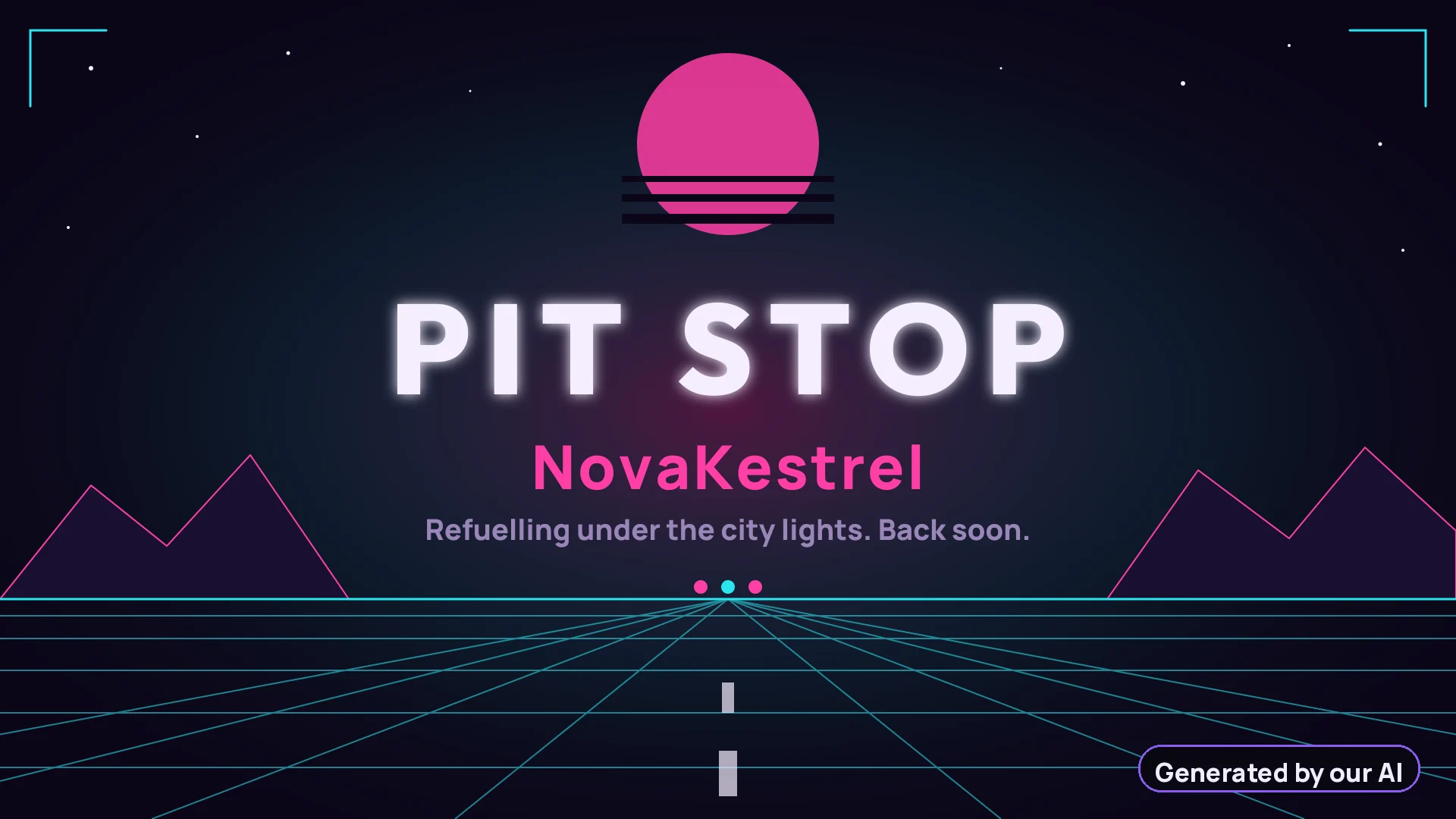 Be right back
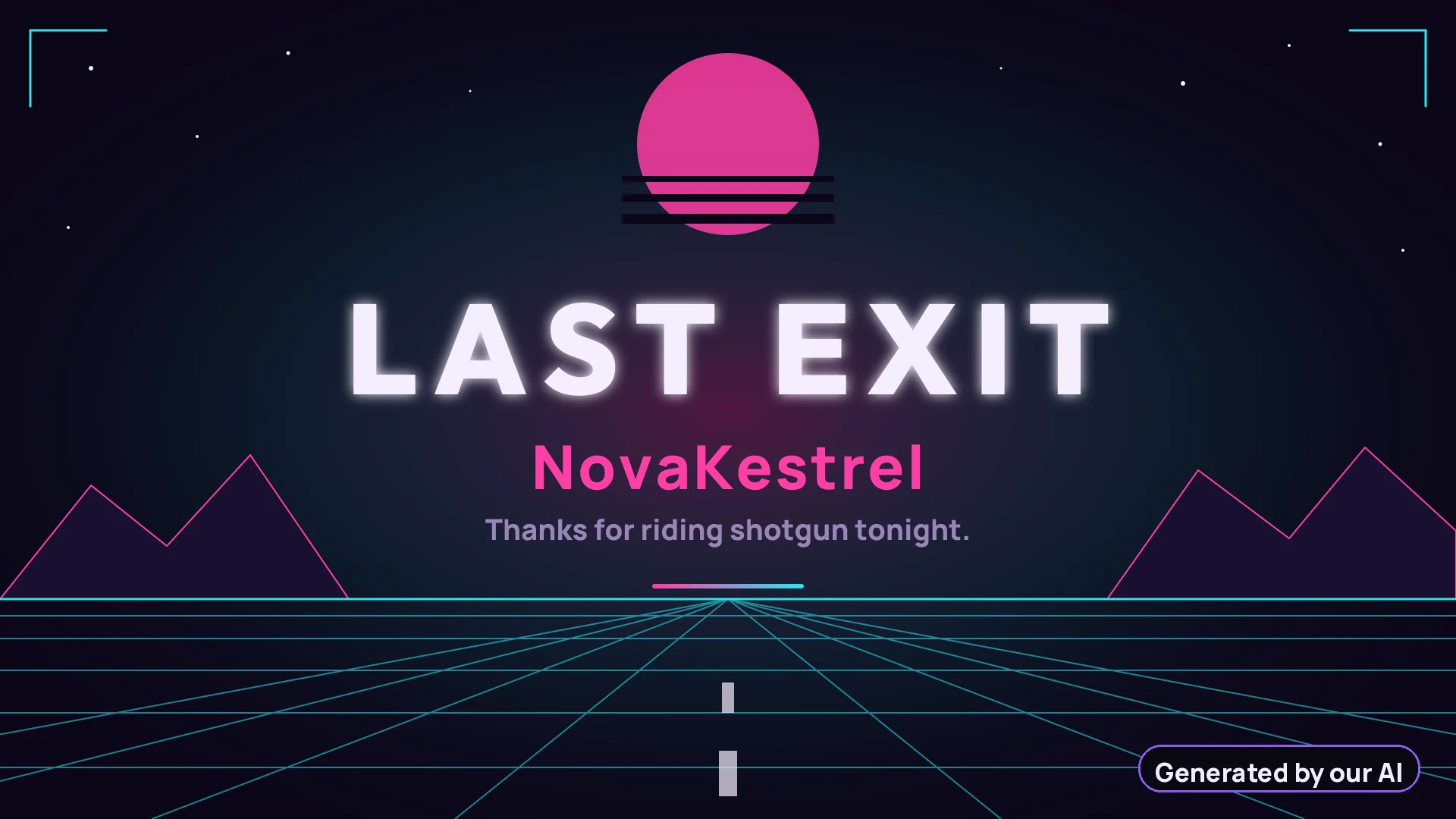 Ending
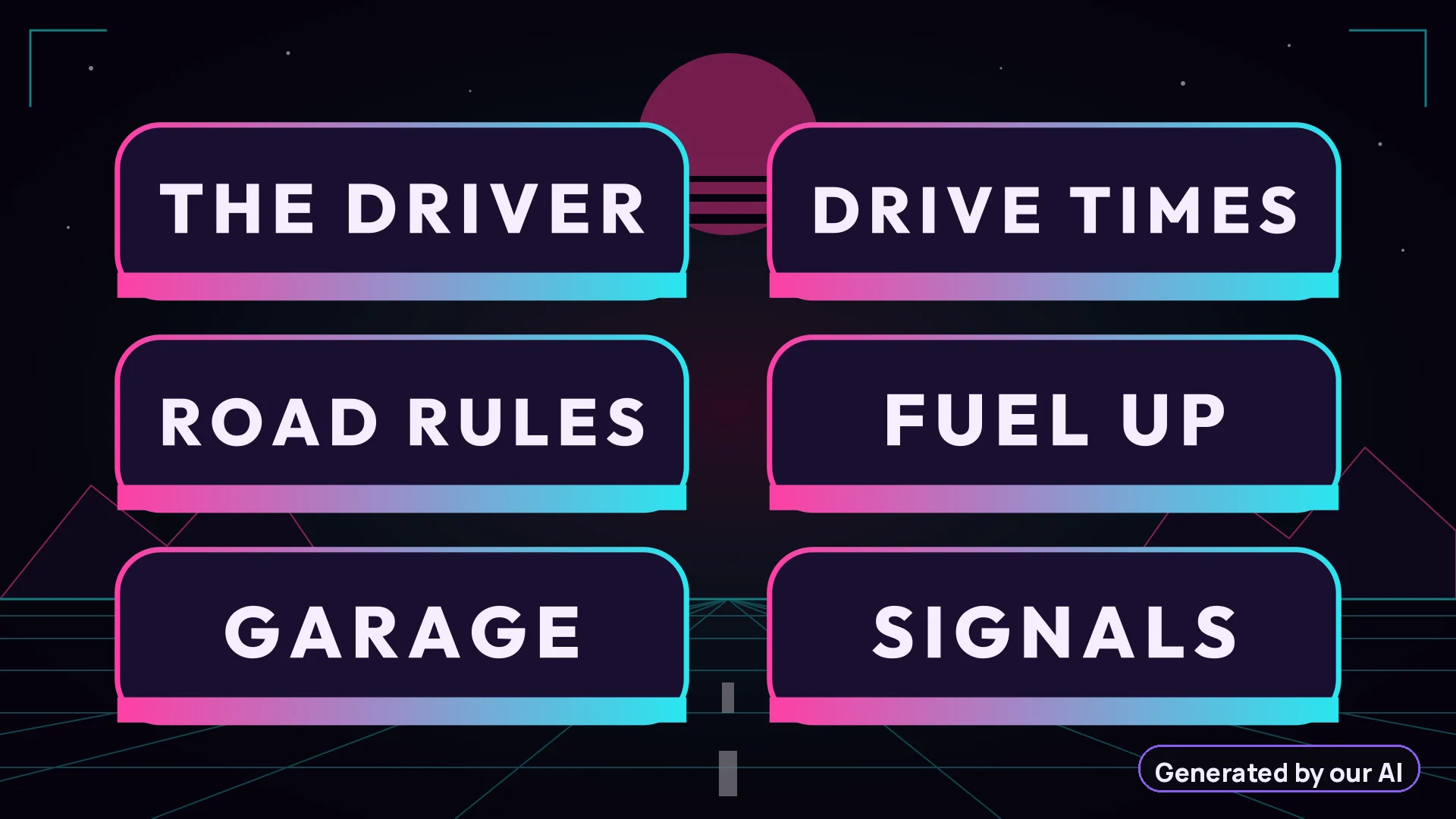 6 channel panels
Design 1 of a real pack for the sample channel NovaKestrel. Your package has 3 designs like this one.
From the email to your OBS scene
- Copy the linkEach scene has its own hosted link in your delivery email and on your order page.
- Add a Browser SourceIn OBS Studio: Sources, +, Browser. In Streamlabs Desktop: Add Source, Browser Source.
- Paste, set 1920 × 1080The scene plays right away, animated. Transparent scenes sit over your game and camera.
Properties for “Browser”
URLhttps://glowframe.rocket-ia.fr/…/starting.html
Width1920Height1080
What is in the package
The Starter Pack has 3 designs, each with animated Starting soon, Be right back and Ending screens, a webcam frame, follower, sub and donation alert designs, a chat box frame and 6 channel panels in PNG. The Full Brand Pack adds a stinger transition, a goal bar, a sponsor lower third and a day version of every design. See pricing, or compare a shared template and a custom pack.
Your stream package, ready tonight
Type your channel name and pick a pack. Your scenes arrive a few minutes after payment, with the links to paste into OBS.
- Secure payment by Stripe
- Receipt by email